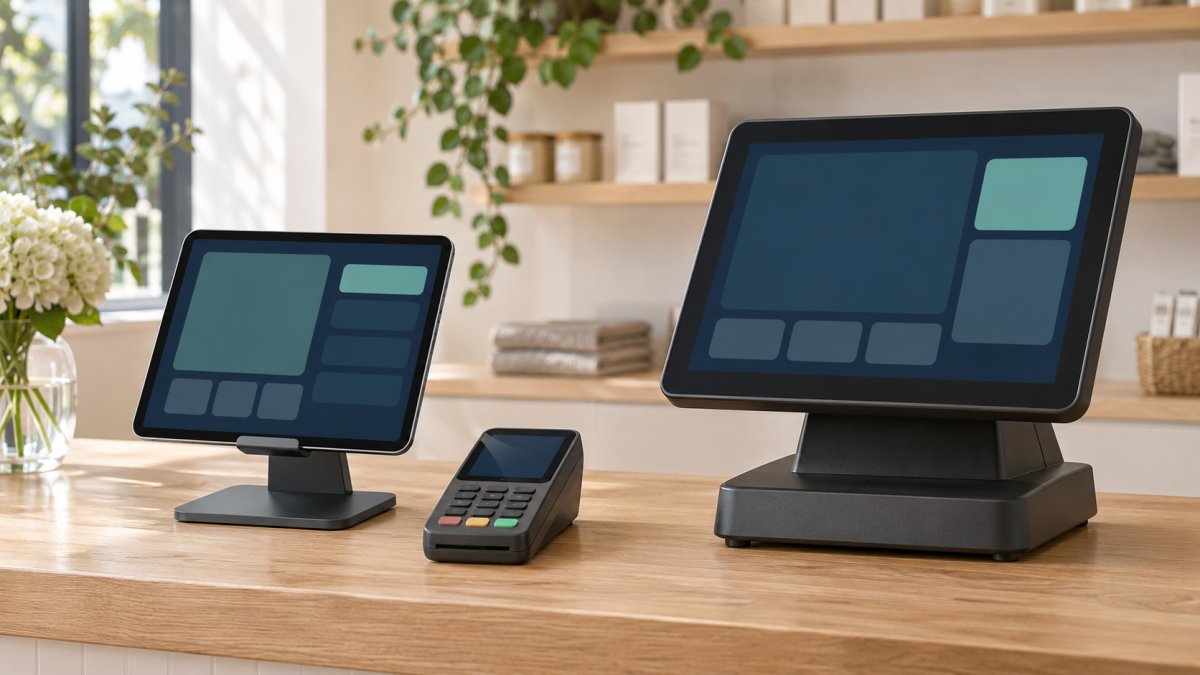
For an independent sales organization (ISO), agent or equipment partner, a useful POS recommendation starts with the merchant’s complete checkout. The decision includes software, payment equipment, accessories and service responsibilities as well as the main screen.
Executech Lease Group (ELG) focuses on POS and card terminal equipment, including Clover devices. Equipment financing is one part of the arrangement; it does not establish software compatibility, payment-processing terms or support coverage.
Key Takeaways
- Compare complete checkout configurations using the merchant’s actual tasks.
- Verify compatibility and outage behavior for the specific equipment and software.
- Identify equipment, processing, software and service responsibilities in the proposal.
Start with the checkout the merchant needs
Ask the merchant to describe a typical sale and a difficult one. Where does the customer pay? Who enters the order? Where does the receipt go? What happens when an item needs a price correction or a payment does not complete?
A useful demonstration follows those tasks using the proposed software and the merchant’s products or menu. Record how many staff use checkout simultaneously, the busiest periods and any separate ordering or pickup points. These are planning inputs, not a universal daily transaction threshold for choosing a device category.
Dedicated hardware can be mobile: Clover’s technical documentation identifies the Flex 4 as a handheld device with an internal receipt printer. A fixed counter and a mobile checkout are workflow choices, not a reliable dividing line between all tablets and all dedicated terminals. Clover device specifications.
Compare complete configurations
For each option, document what is included and what must be supplied separately. Use the same tasks to compare both proposals:
- Software: Identify the tablet or terminal model, POS software, supported operating system and required service plan.
- Payment: Document the integrated or separate payment device and its supported connection.
- Counter equipment: List the stand, printer, scanner, drawer and power connections; distinguish built-in components from separate accessories.
- Mobility: Identify everything staff must carry and confirm that the specific model supports the intended workflow.
- Support: Name the software, hardware and payment contacts for each configuration.
Avoid choosing from screen size or a general durability claim. Request specifications, care instructions and the applicable manufacturer warranty for the actual equipment. Record unanswered questions before presenting the configuration as complete.
Verify compatibility at the model and connection level
“Works with a tablet” is not a complete compatibility answer. Record the exact tablet or terminal, operating system, POS software, card reader and accessories. Identify each accessory’s supported connection and any required hub or adapter.
Square’s printer documentation illustrates why this matters. Its USB printer guidance says direct connection to an iOS device through Lightning or USB-C is unsupported; its Android instructions identify USB OTG or USB Host support. These are Square-specific instructions, not rules for every POS system. Square printer connection documentation.
Use the selected provider’s current documentation, then ask the installer to demonstrate the required tasks: item entry, the intended payment method, receipt destination and any scanner or drawer included in the proposal. Record what was demonstrated and what still needs confirmation.
Make the outage plan specific
Offline payment behavior is a product and configuration question. Do not promise continued card acceptance because a device is portable, has a battery or is called a POS terminal.
Square’s US documentation lists supported and unsupported devices, apps and payment methods. It excludes Tap to Pay on iPhone and Android from offline payments and explains that declined payments are identified after reconnection. It also distinguishes the period for taking offline payments from the deadline for uploading them. Square offline payment documentation.
Request an outage plan for the selected setup: what remains available, what stops, how pending transactions are handled and who checks results after service returns. Use the provider’s current instructions. A general statement about storing transactions for a certain number of hours is not an adequate operating plan.
Include power and placement. Identify where each device sits, how it receives power and which network connection it uses. For mobile checkout, document where equipment returns between uses and who checks readiness for the next shift.
Turn the recommendation into a complete proposal
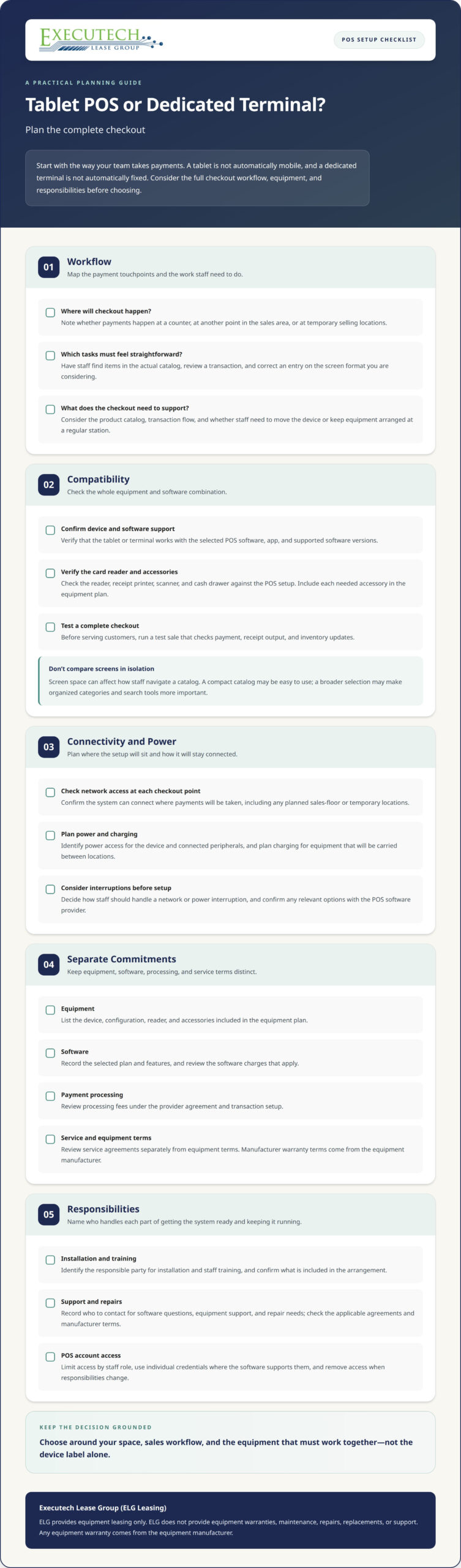
Organize the discussion with this planning checklist:
- Equipment: Models, quantities, included components, separate accessories and intended locations.
- Compatibility: Provider documentation supporting the device, software and accessory combination.
- Costs: Equipment figures, software and service charges, processing terms and other charges from the actual proposals or agreements.
- Deployment: Who supplies installation and training, what is included and which tasks will be demonstrated.
- Support: Responsible contacts, applicable manufacturer warranty and the documented outage procedure.
Include staff permissions, individual credentials and who updates access when responsibilities change. Shopify documents individual staff PINs and role-based permissions at POS Pro locations; POS roles do not apply at POS Lite locations. Shopify POS access documentation.
Keep the equipment lease, software, payment processing and services clear. ELG does not process payments, supply a merchant account or set transaction pricing. Lease financing can include the ISO’s installation and training when the ISO bundles them with the equipment. The ISO supplies those services.
For an illustrative retail project with a main counter and an additional checkout point, document the software, payment equipment and receipt arrangement at both locations. That gives the merchant a concrete specification to evaluate before selecting equipment and financing.
Frequently Asked Questions
Does ELG provide an equipment warranty?
No. ELG does not provide warranties, maintenance, repairs or replacements. Any manufacturer warranty must be checked separately.
Does ELG process payments?
No. The equipment lease and the payment-processing relationship are separate.
Discuss your equipment business
ISOs, agents and equipment partners can contact ELG about a vendor relationship for POS and card terminal equipment.
This article reflects the author’s opinion for general information only and isn’t tax, legal, or accounting advice. Consult your CPA or attorney about your specific situation.

Article by
Robert Ensminger
Robert Ensminger is the founder and CEO of Executech Lease Group (ELG Leasing), which specializes in equipment leasing and financing solutions for the merchant-services, payments, POS, and FinTech industries. Robert helps ISOs, payment processors, POS providers, and software companies build practical equipment leasing programs. He founded ELG in 2010. His work focuses on responsive service, transparent program structures, SaaS-monetization programs, and helping ELG’s partners close more business while creating sustainable revenue.